The day after you update an iPhone or Galaxy, the battery may drop faster than usual. The housekeeping the phone does after an update can temporarily make the battery drain faster. iPhone users will go through this again soon, as iOS 27.1 is expected to roll out around the iPhone Duo launch (October 23, 2026).
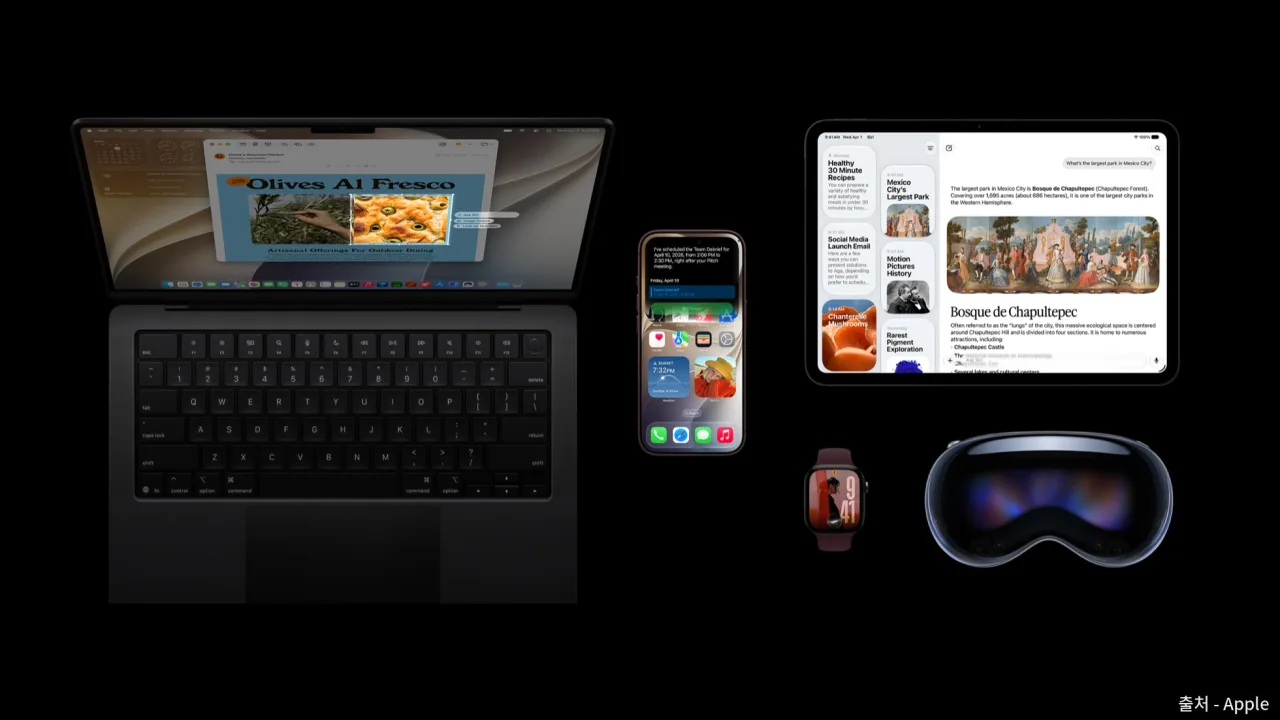 iOS 27 release announcement image — Source: Apple
Why drain increases right after an update
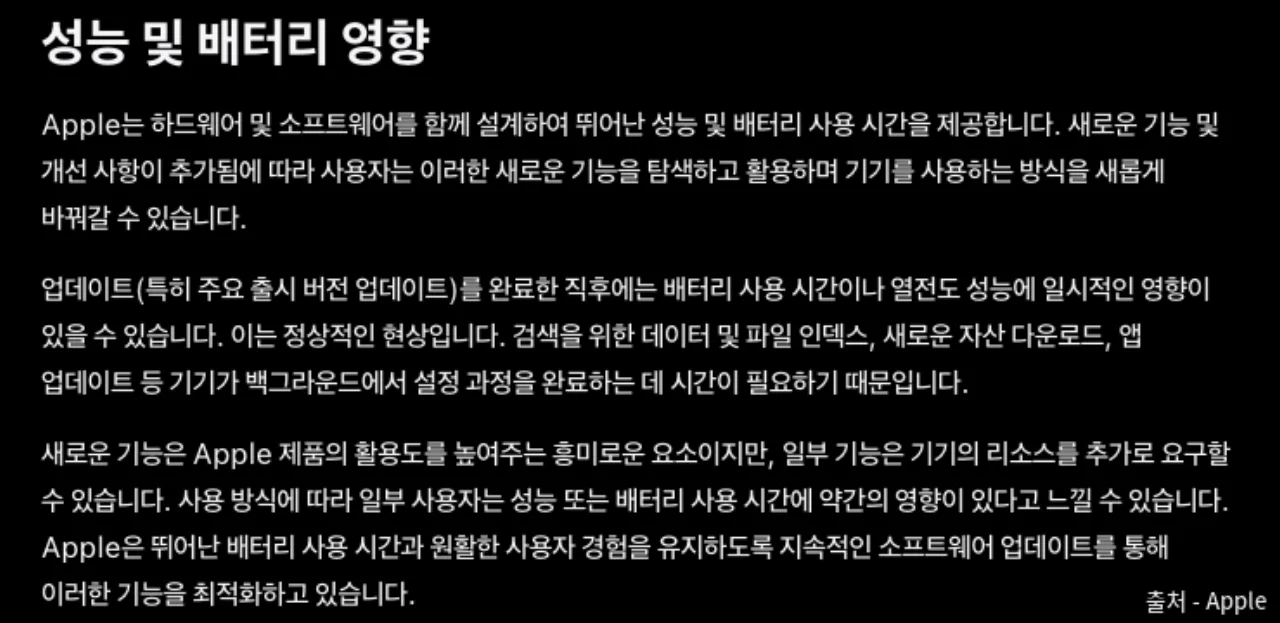 The performance and battery impact section of Apple’s software update guide — Source: Apple
Apple explains this directly in its support document “About Apple software updates.” It says that right after an update, especially a major version update, battery life and heat may be temporarily affected, and that this is normal. The reasons it gives are indexing data and files for search, downloading new assets, and updating apps.
What runs on an iPhone
After an update finishes, the iPhone rebuilds its search index from the data and files on the device, downloads assets needed for new features, and updates apps for the new version. This work keeps running even with the screen off, so the phone in your pocket may feel warm. Apple also noted that some new features demand more device resources, so depending on how you use it, you may feel battery life has dropped slightly.
What runs on a Galaxy
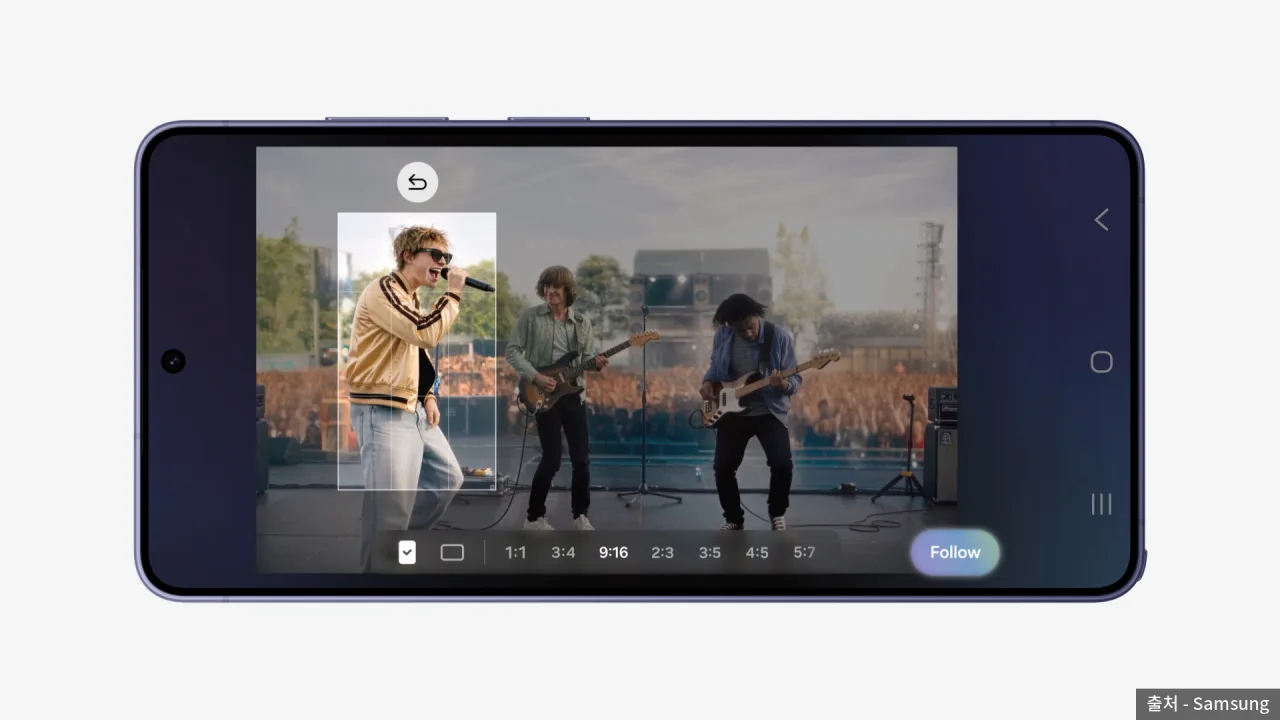 Samsung Electronics One UI 9 Korean announcement key visual — Source: Samsung
One UI 9 began rolling out in Korea on September 16, 2026, and is being distributed in stages starting with the Galaxy S26. Android devices go through a process of recompiling apps for the new system after an update. Android’s official developer documentation explains that the compilation daemon recompiles apps when the device is idle and charging. The “Optimizing apps” notice that appears after an update is this process.
| Task | Source document | Device |
|---|---|---|
| Building the search index | Apple support document | iPhone |
| Downloading new assets | Apple support document | iPhone |
| Updating apps | Apple support document | iPhone |
| Recompiling apps | Android developer documentation | Galaxy |
How long to wait
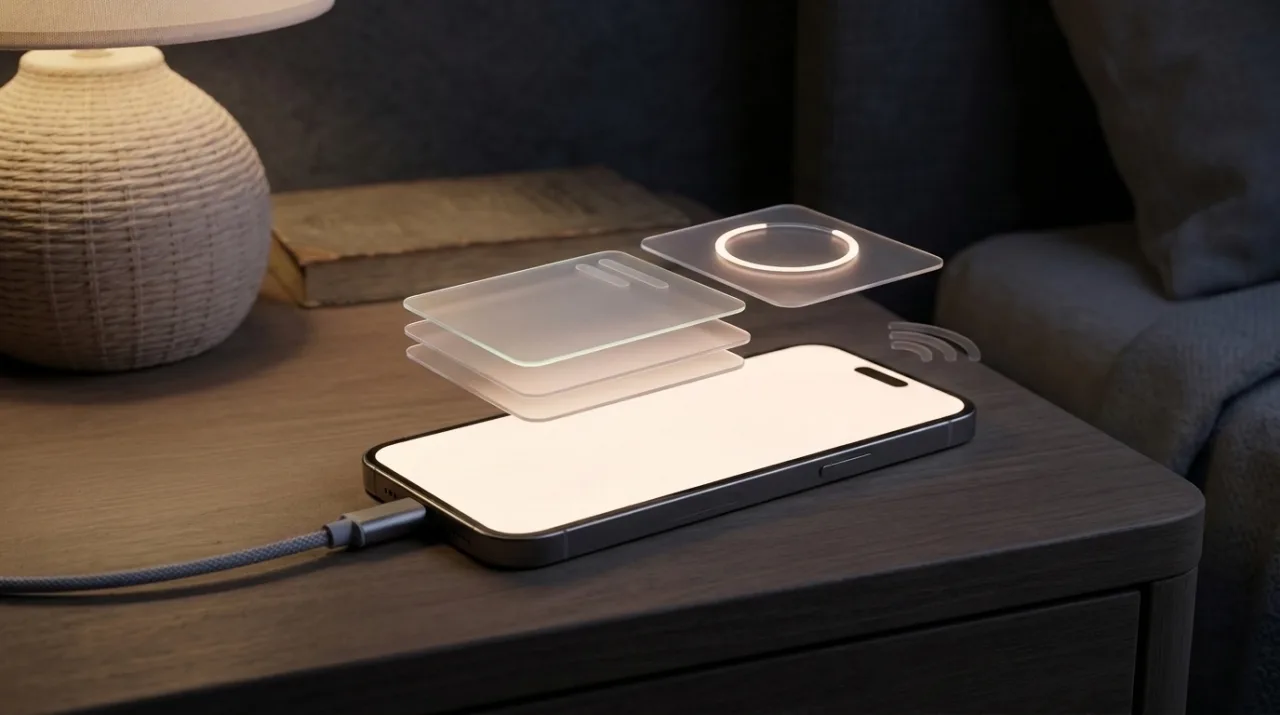 Concept of a smartphone plugged into a charger overnight — Source: concept image · self-generated with agy
Apple’s document gives no number of days. It only says battery life recovers once background setup tasks complete, and overseas tech outlets generally see the 24–48 hours after an update as the period when drain is most noticeable. If you have tens of thousands of photos or many apps, indexing and app updates take longer.
On a Galaxy, app recompilation runs when idle and charging, per Android’s documentation, and since asset downloads and app updates use data, it’s better to let them run on Wi-Fi, which uses less power than cellular, as Apple advises. So leaving the phone connected to a charger and Wi-Fi the night you update lets the housekeeping run while you’re not using it, which can make battery drain less noticeable the next day.
Normal signs vs signs to check
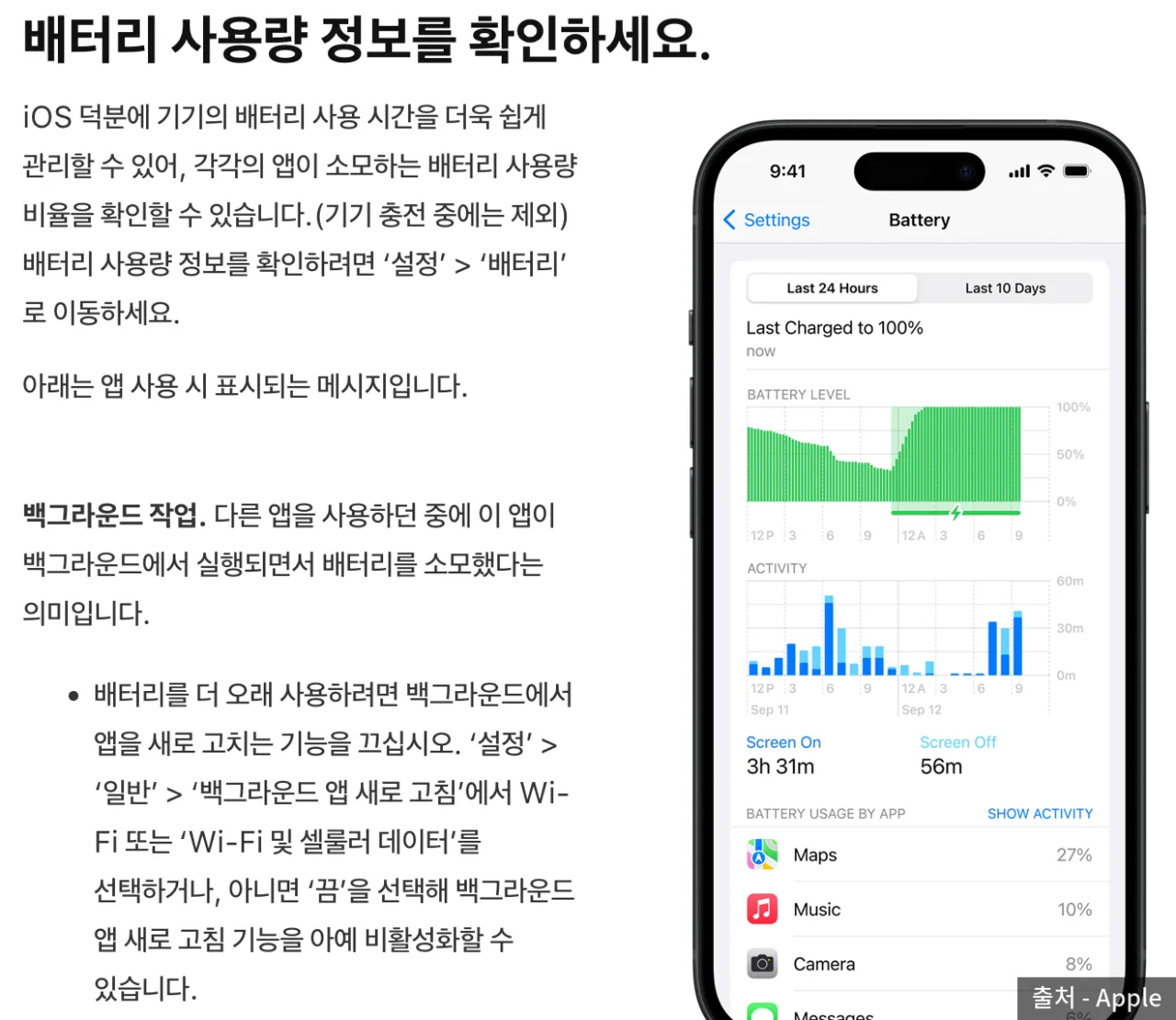 The battery usage screen from Apple’s battery guide — Source: Apple
| Sign | Normal range | Needs checking |
|---|---|---|
| Duration | 1–2 days after the update | Continues for more than three days |
| Heat | While charging, overnight | Continues even when not in use |
| Per-app usage | Evenly high | High for one app only |
If battery drain is still heavy after three days, start with per-app usage. On iPhone, Settings > Battery shows each app’s share of usage over the last 24 hours and last 10 days, with usage while charging excluded. Each app shows screen time and background time separately, so an app you barely opened but with long background time is a likely culprit.
On Galaxy, the usage screen in Settings > Battery shows the same information, and running optimization in Battery and device care cleans up unused apps and lets you manage apps using abnormally high battery. Menu names vary slightly by One UI version, so typing “battery” into the settings search bar is an easy way to find them.
[When one app is the cause] Update that app to the latest version, and on iPhone turn off just that app in Settings > General > Background App Refresh
[When it’s fast overall] Turn on auto-brightness, use Wi-Fi, which uses less power than cellular, and turn on Low Power Mode for a while
[When the battery itself is worn] On iPhone, check maximum capacity in Settings > Battery > Battery Health & Charging; on Galaxy, check battery status in the diagnostics of the Samsung Members app
If the battery’s maximum capacity has dropped from long use regardless of updates, changing settings won’t bring it back to its original capacity. How charging habits affect battery lifespan is covered in a post that actually examines the 80% charge limit.
🔗 Link - https://blog.naver.com/rottensweetpotato/224390964840
Ahead of the iOS 27.1 rollout
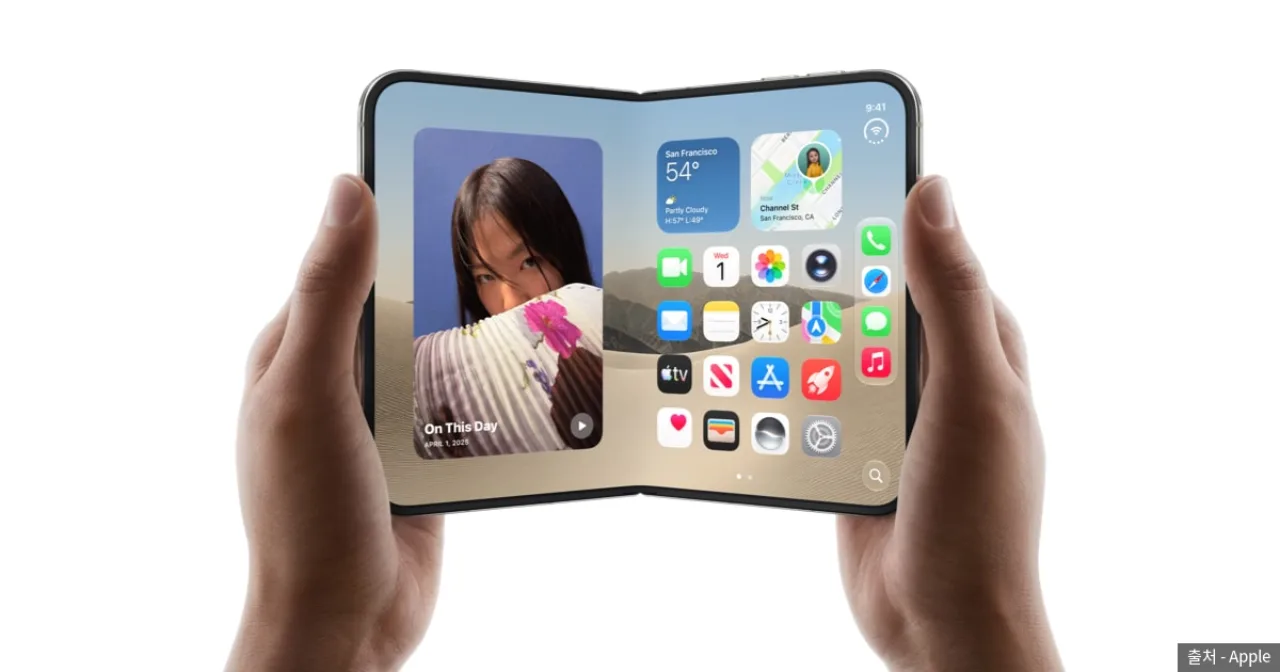 Official iPhone Duo key visual — Source: Apple
Apple said the iPhone Duo ships with iOS 27.1, and the iPhone Duo launches on October 23, 2026. The general release date hasn’t been announced, but 9to5Mac and others see October 19–21 as most likely. Over the past four years, x.1 updates came out between October 24 and November 3, so if the forecast holds, this one is the earliest.
iOS 27.1 is the first point update since 27.0, so many users who stayed on 26.7 without moving to iOS 27 will likely update at this point. Updating to iOS 27 is a major version update, with more indexing and app updates, so drain in the first two days may feel heavier than with updates between 27.0.x releases. Which of the two versions to choose is covered in a post comparing iOS 27 and 26.7.
🔗 Link - https://blog.naver.com/rottensweetpotato/224416061253
Galaxy users can check when their device gets One UI 9 in a post covering supported devices and the rollout schedule.
🔗 Link - https://blog.naver.com/rottensweetpotato/224417339712
Summary
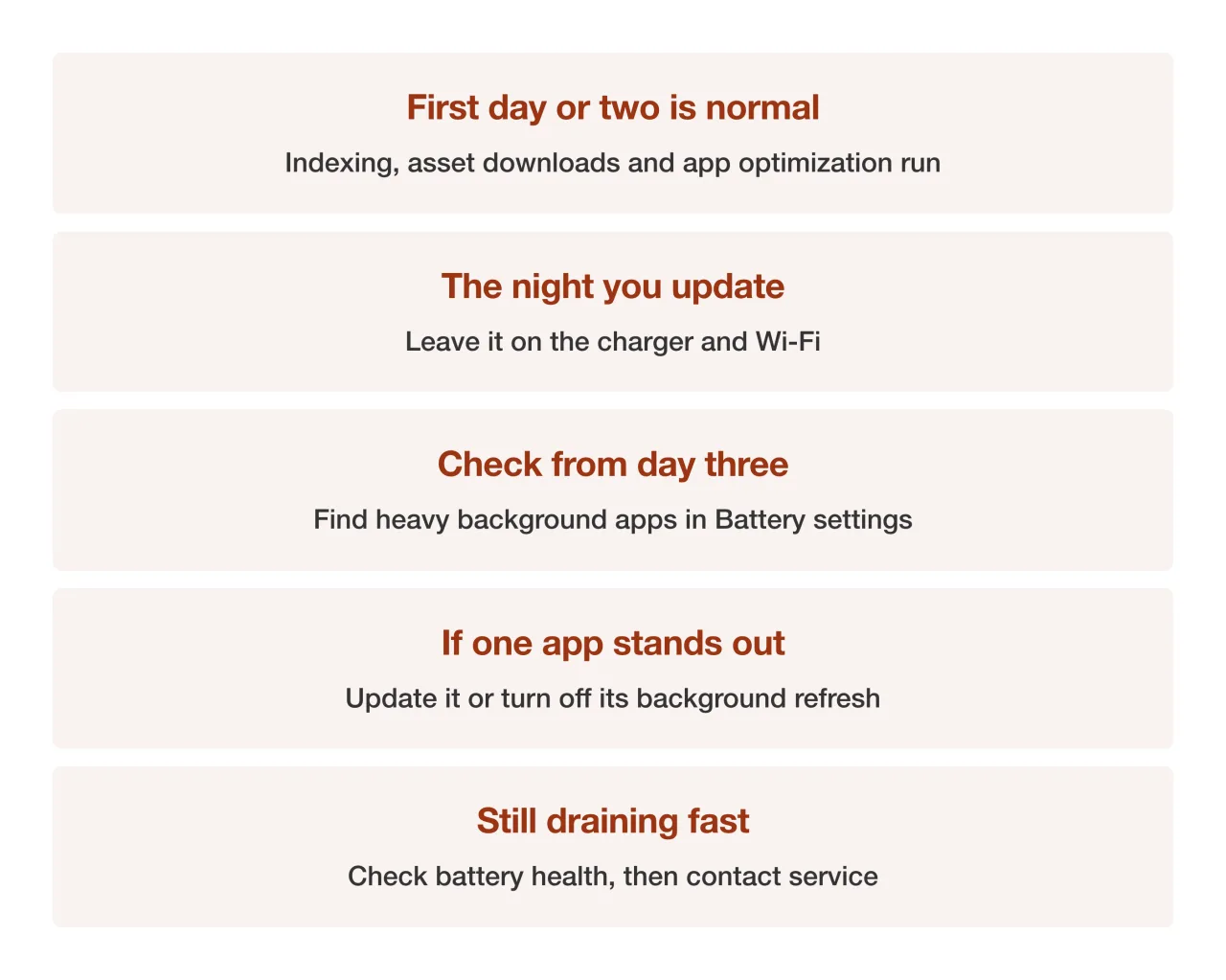 Summary card of the post-update battery check sequence — Source: summary of this post, self-rendered
Sources
- [Apple Support] About Apple software updates (battery and heat impact right after updates, posted 2026-07-24)
- [Apple] Maximizing battery performance (Settings > Battery usage, brightness, Wi-Fi, Low Power Mode)
- [Android Open Source Project] Configure ART (app recompilation while idle and charging, compilation after OTA)
- [Samsung Newsroom] One UI 9 official update begins (2026-09-16)
- [Samsung] What to do if your new Galaxy’s battery drains fast (device care optimization, per-app battery optimization)
- [MacRumors] iPhone Duo ships with iOS 27.1 (2026-09-09)
- [9to5Mac] iOS 27.1 release timing forecast and past x.1 release dates