On October 7, 2026, OpenAI began rolling out GPT-6 and Intelligent UI in ChatGPT. Depending on the question, answers now include graphics, clickable buttons, input forms, and charts that you can manipulate right in the chat window. It’s a simultaneous global rollout, so Korean accounts are included; it came to paid plans first and expanded to the Free and Go plans from October 8. OpenAI also posted a Korean announcement page the same day.
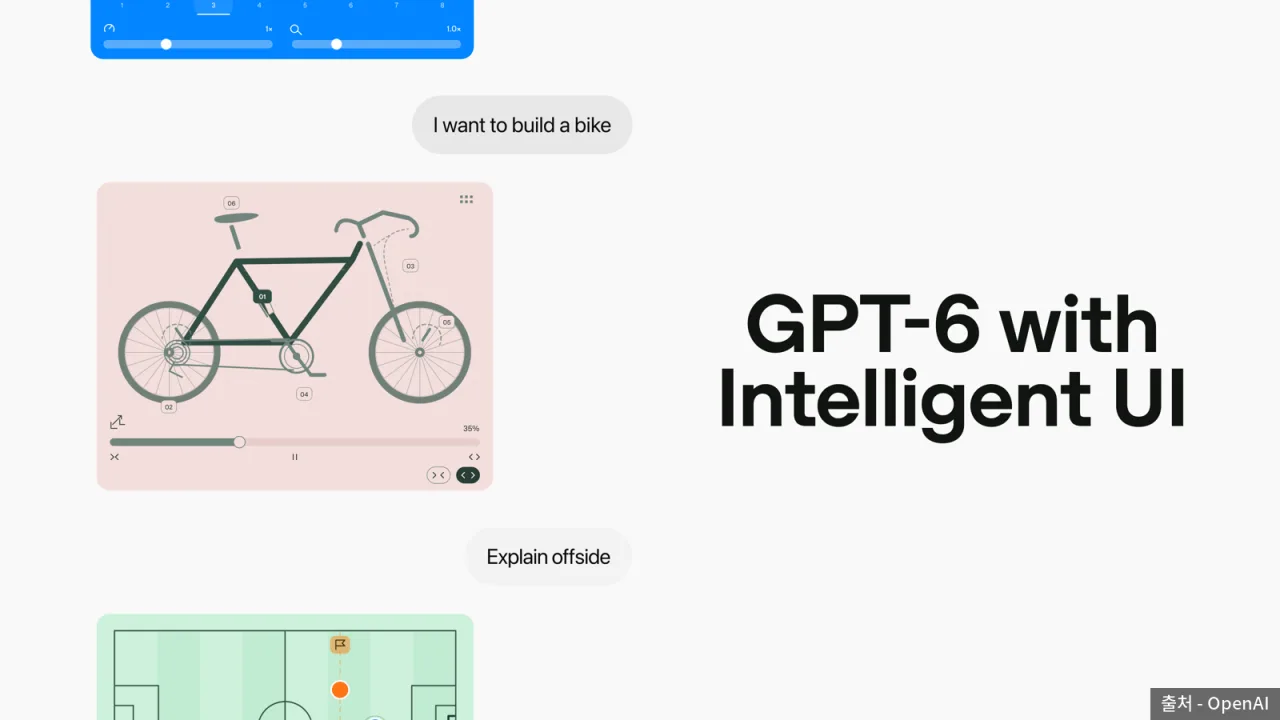 Intelligent UI announcement key art — Source: OpenAI
The formats of Intelligent UI
OpenAI said it trained GPT-6 to build answers from text, visuals, and interactive elements, and to choose which combination to use for each question. Comparison questions get side-by-side layouts, explanations get diagrams you can manipulate, and questions best answered in text get text.
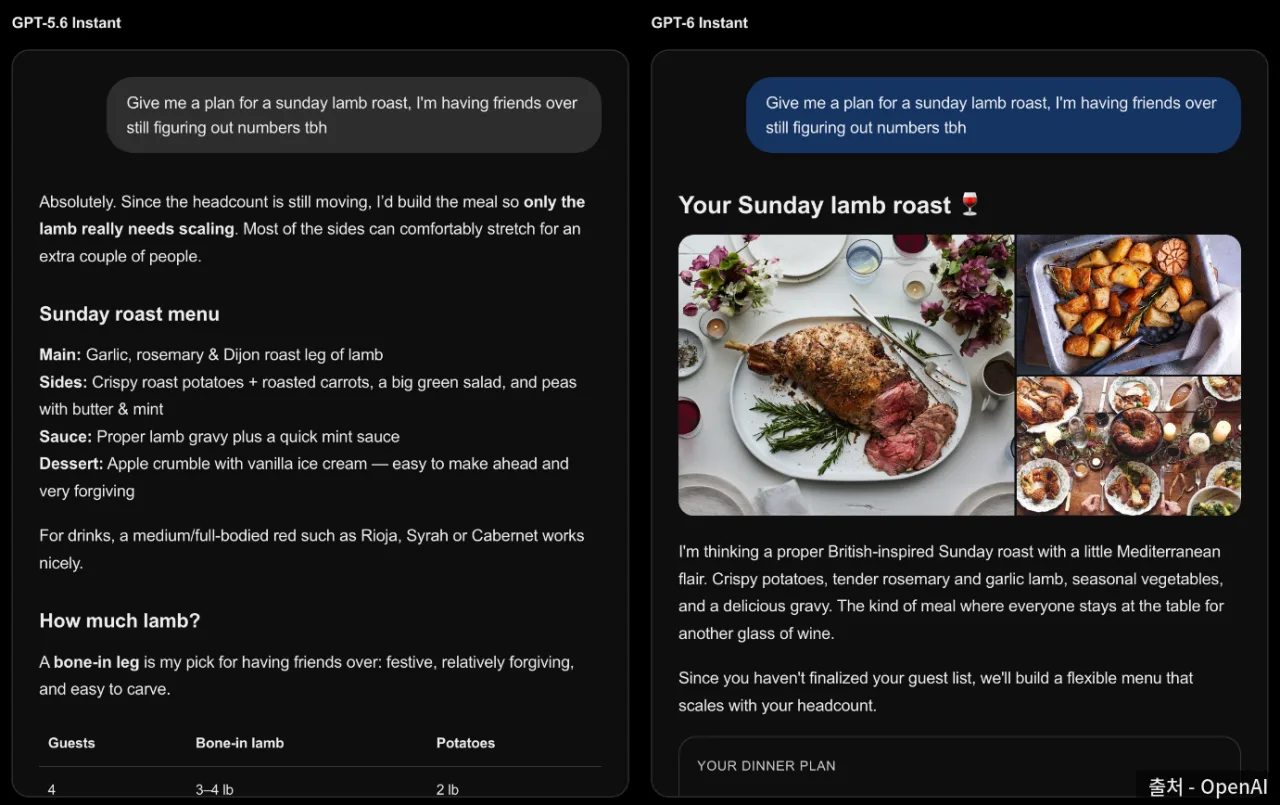 GPT-5.6 Instant and GPT-6 Instant answers to the same question compared — Source: OpenAI
OpenAI’s announcement page shows side by side the results of giving the same question to GPT-5.6 Instant and GPT-6 Instant. Asked to plan a Sunday lamb roast for friends, GPT-5.6 answered with lists and tables, while GPT-6 displayed a dinner plan card with photos of the dish that adjusts its content to the number of people.
[Everyday questions] Adding a cooking timeline next to a recipe, or marking travel stops on a map
[Learning] Explanations like the central limit theorem or the Monty Hall problem where you change inputs to see the result
[Building tools] Bill-splitting calculators, retirement savings calculators, and games played inside the chat
Tools made with a single request
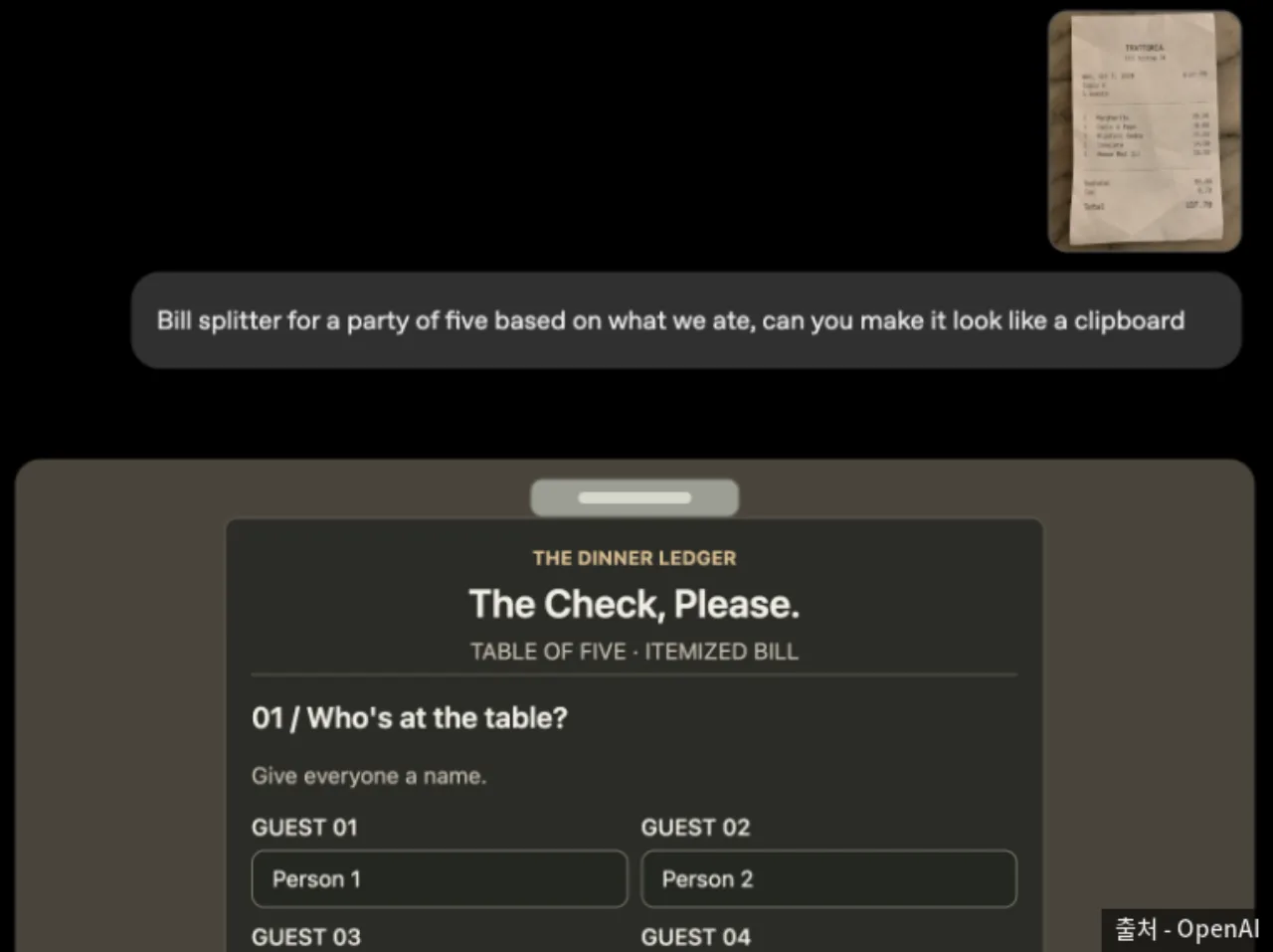 Demo of a bill-splitting calculator made from a receipt photo — Source: OpenAI
In an example on the announcement page, uploading a restaurant receipt photo and asking for “a calculator, like a clipboard, that splits the bill by what each of the five people ate” generated a calculator inside the chat with fields for guest names and for choosing who ate each menu item.
Some components, such as checklists, keep their entered state even if you refresh the chat screen. The state doesn’t carry over to other chats, so a tool you build can only keep being used within that chat.
How it works
OpenAI explained that it built a library of native components that can be streamed straight to the screen, together with a compiler that instantly processes the interfaces the model creates. The library sets the basic design framework and the model decides which elements to combine and how, so the answer appears on screen as it’s generated rather than waiting for the whole answer to finish.
OpenAI said it included evaluations of answers’ clarity, usefulness, and completeness in training so the model also judges when to use interactive elements and when text is enough. It also noted that design judgment and the range of results it can build still need improvement.
Models by plan
 OpenAI logo
| Plan | GPT-6 model | Intelligent UI |
|---|---|---|
| Free, Go | GPT-6 Luna | From October 8 |
| Plus, Pro, Business | GPT-6 Sol | From October 7 |
| Enterprise | GPT-6 Sol | Per admin settings |
| Pro reasoning option | GPT-6 Astra | Not supported |
Luna and Sol are models first released via the API in September, and on the ChatGPT side both have been tuned for everyday conversation. This update applies only to the Chat tab; the models running the Work tab and Codex haven’t changed.
OpenAI said GPT-6 Instant was trained to start generating its answer even while reasoning, so on questions that need web search it starts answering 44% faster on average than GPT-5.6 Instant.
How to turn it off, and limits
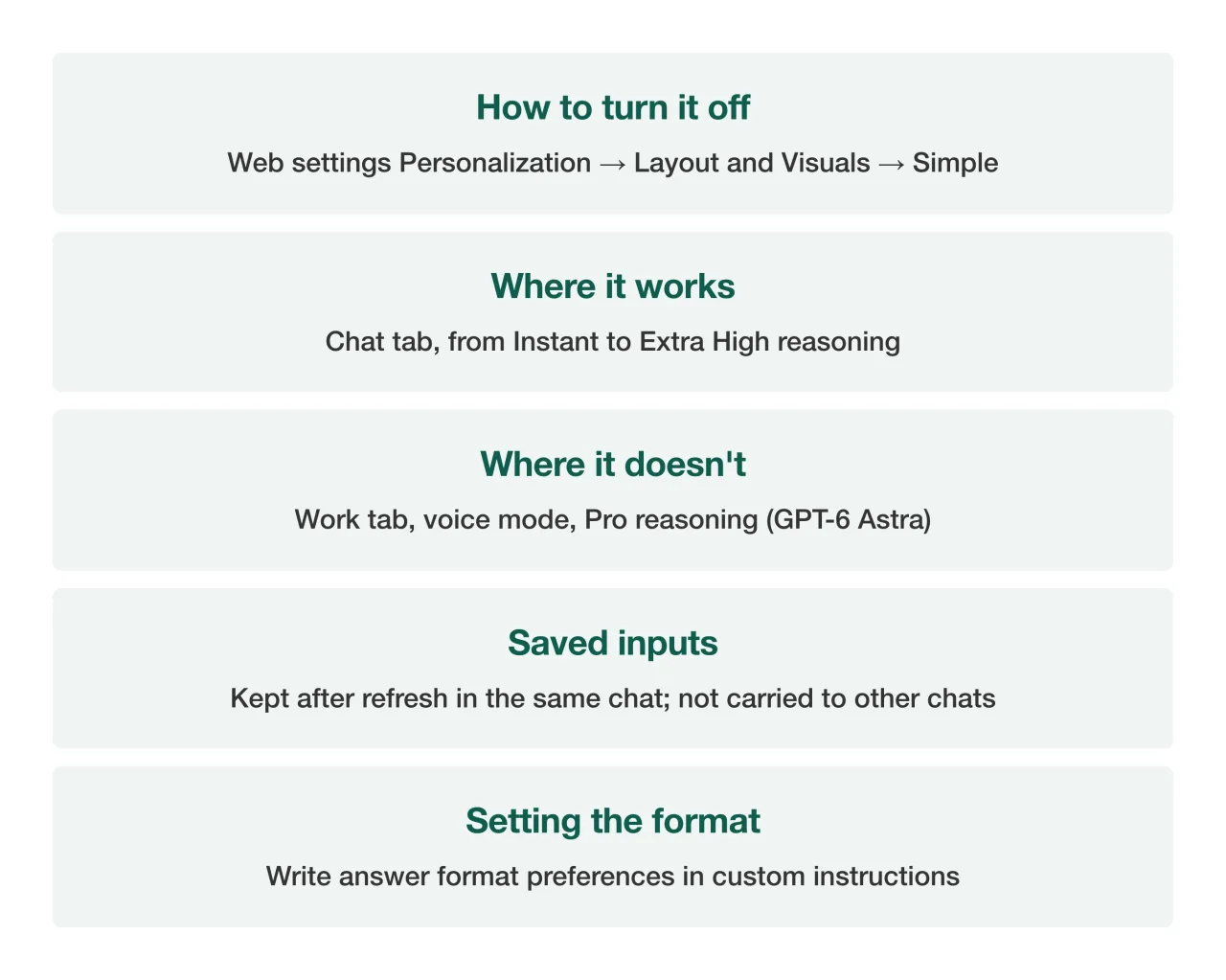 Intelligent UI settings and limits summary card — Source: self-rendered from the OpenAI Help Center
If the visual elements are too much, choose Personalization → Layout and Visuals → Simple in ChatGPT’s web settings; OpenAI’s help article notes that this only reduces visual and interactive elements and some may still appear. To change it for just one chat, ask in that chat, for example “compare in a table only,” and if you always want the same format, you can write it in custom instructions.
Intelligent UI is available at every reasoning level from Instant to Extra High, but not in the Work tab or voice mode. Connected apps such as Gmail work as they do now.