The Galaxy Tab S12 Ultra and Galaxy Tab S12+, unveiled by Samsung Electronics on October 1, launched simultaneously on October 7 in Korea, the US, the UK, Germany, India, and Japan. They are the first Android tablets with Adobe Photoshop installed as a default app.
Korean release prices are ₩1,899,700–₩3,018,400 for the Ultra and ₩1,549,900–₩2,069,100 for the S12+. The Ultra’s starting price is ₩301,400 higher than its predecessor, the S11 Ultra.
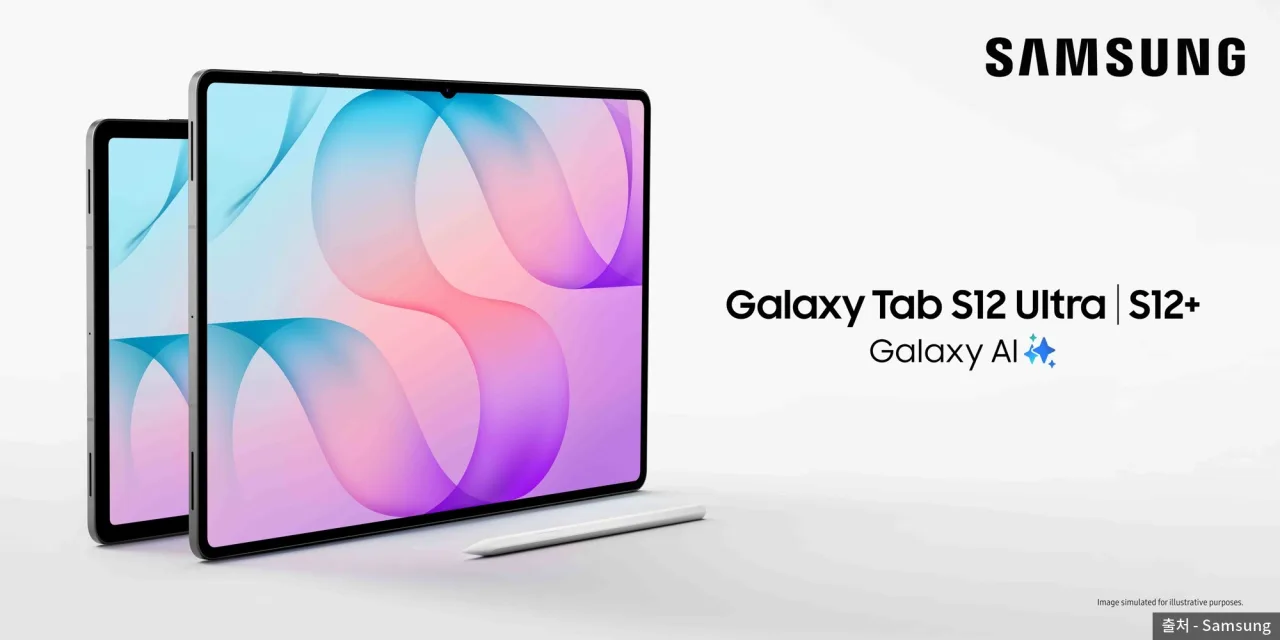 Galaxy Tab S12 Ultra and S12+ key visual — Source: Samsung
Korean release prices
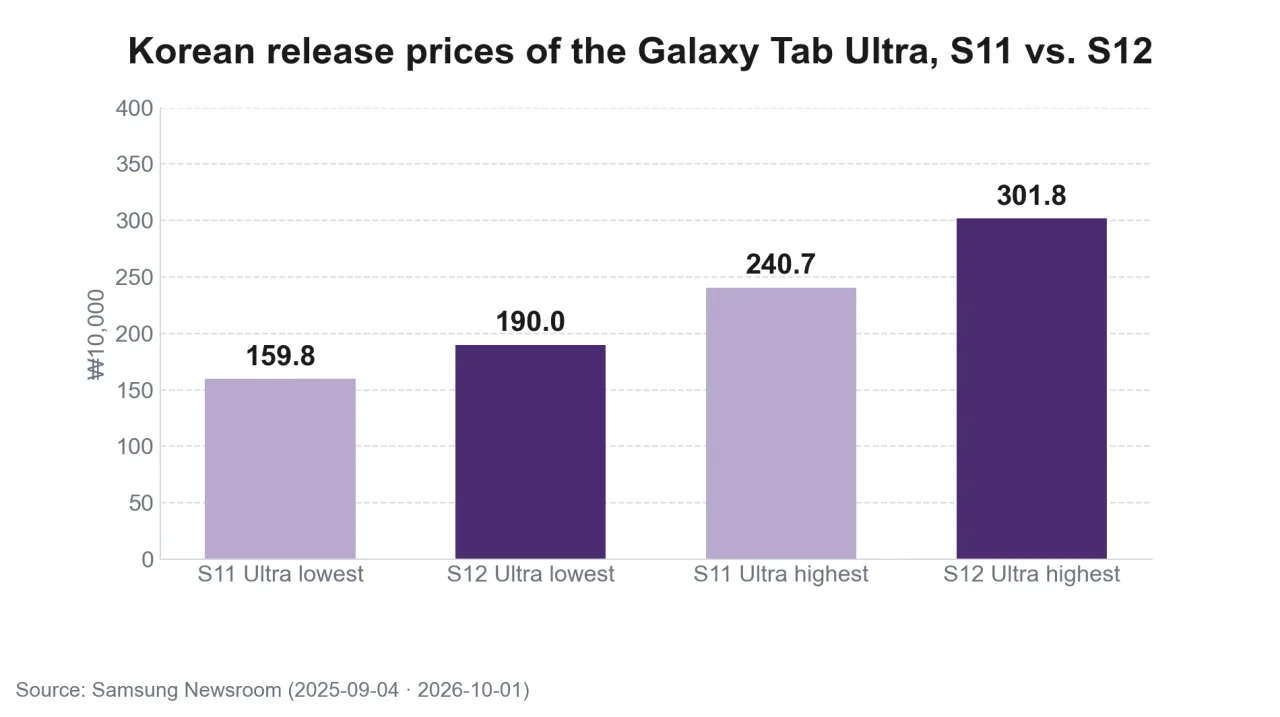 Korean release prices of the Galaxy Tab Ultra, S11 and S12 — Source: self-rendered from Samsung Newsroom announcements
Prices vary with memory, storage, and whether the model has 5G. Samsung disclosed only the lowest and highest price for each model, which come in gray and silver with Wi-Fi and 5G versions.
| Model | Memory / storage | Release price |
|---|---|---|
| S12 Ultra | From 12GB / 256GB | From ₩1,899,700 |
| S12 Ultra | Up to 16GB / 1TB | Up to ₩3,018,400 |
| S12+ | From 12GB / 256GB | From ₩1,549,900 |
| S12+ | Up to 12GB / 512GB | Up to ₩2,069,100 |
The previous S11 Ultra’s Korean release price was ₩1,598,300–₩2,406,800. The starting price rose about 19% and the top price about 25%. Last year there were two models, an 11-inch base model and the Ultra; this year the S12+ returns instead of the base model.
Buying by October 31 includes launch perks worth about ₩170,000, including a 6-month Google AI Pro pass.
Ultra and S12+ specs
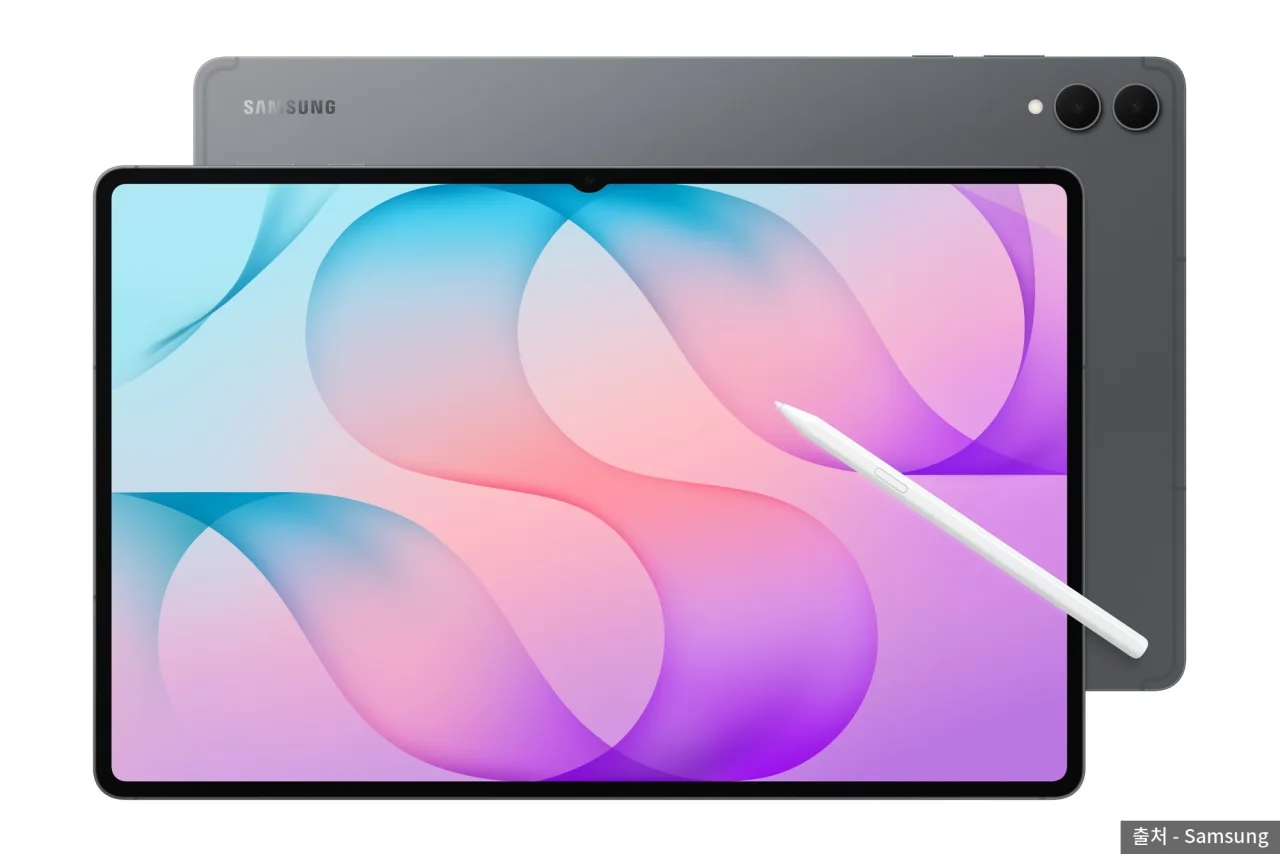 Galaxy Tab S12 Ultra and S Pen — Source: Samsung
Both models use the MediaTek Dimensity 9500 processor and One UI 9 based on Android 17, and come with an S Pen. The differences are screen size, battery, and cameras.
| Item | S12 Ultra | S12+ |
|---|---|---|
| Display | 14.6-inch 2960×1848 | 12.6-inch 2800×1752 |
| Thickness / weight | 5.1mm · 692g | 5.3mm · 553g |
| Battery | 11,600mAh | 10,600mAh |
| Video playback | Up to 23 hours | Up to 21 hours |
| Rear camera | 13MP + 8MP | 13MP |
| Wi-Fi | Wi-Fi 7 | Wi-Fi 6E |
Samsung said the Ultra improves NPU (AI processing unit) performance by about 61%, CPU by about 19%, and GPU by about 17% over the S11 Ultra. Thickness is the same 5.1mm as its predecessor. Both models fully charge in about 95 minutes with 45W charging and get up to seven OS upgrades and security updates.
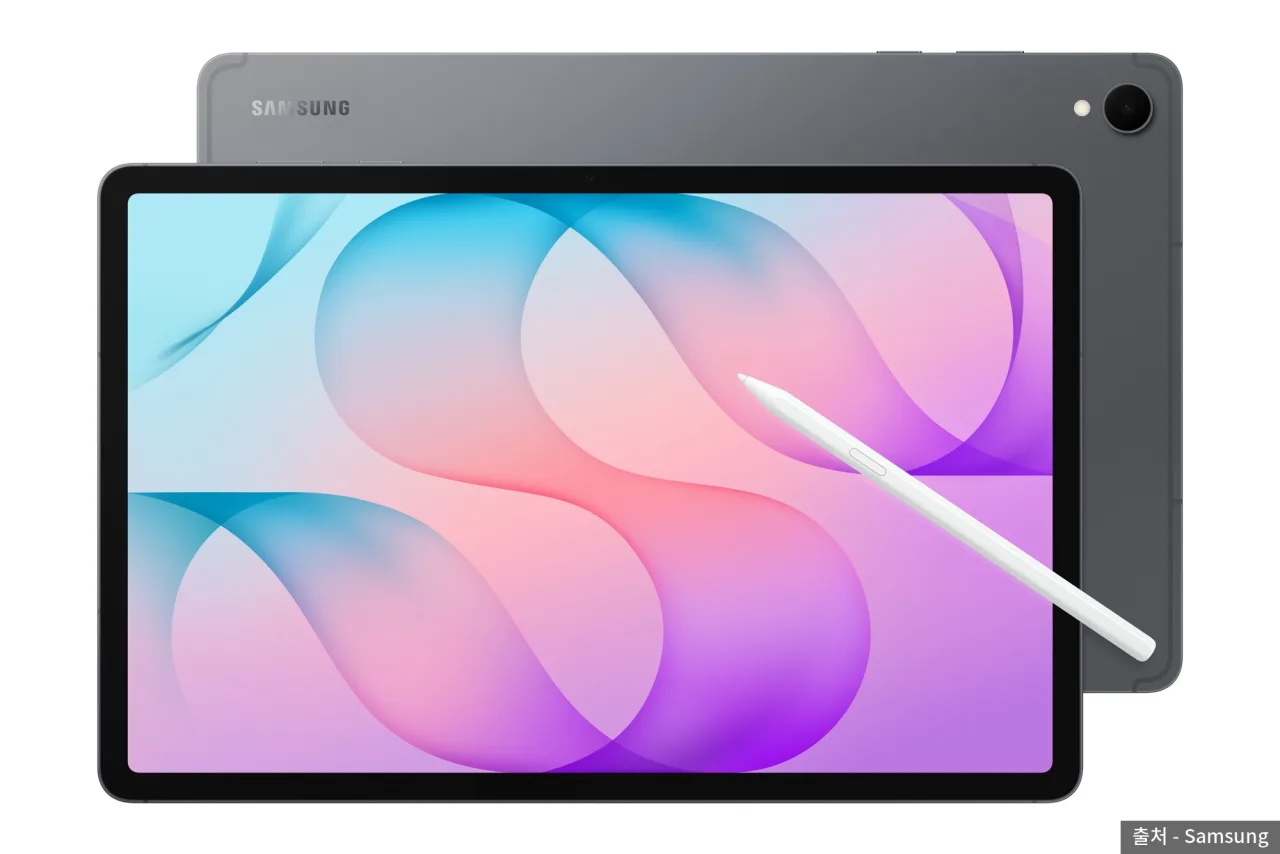 Galaxy Tab S12+ — Source: Samsung
Compared with the 2024 S10+ (12.4-inch), the S12+ has a larger 12.6-inch screen and is lighter at 553g. Both models are IP68 water- and dust-resistant.
Photoshop preinstalled
 Creative apps on the Galaxy Tab S12 — Source: Samsung
Photoshop comes installed on the Galaxy Tab S12, and you can use Photoshop mobile premium free for 4 months. It supports drawing and image editing with an interface tailored to the tablet screen and S Pen, and includes AI features such as Firefly-based generative fill and image-to-video conversion.
Photoshop has been available on iPad since 2019, but this is the first version for Android tablets. 9to5Google and others reported that tablet Photoshop will stay exclusive to the Galaxy Tab S series for at least 6 months. When it will be available on other Android tablets hasn’t been disclosed.
Pricing after the 4 free months
Adobe sells Photoshop mobile split into free features and a paid premium tier. Layers, masks, the spot healing brush, and generative fill are on the free side, while object selection, automatic selection tools, the clone stamp, and more generative credits are premium.
The premium Photoshop mobile and web plan costs $7.99 (about ₩11,200) a month or $69.99 (about ₩98,000) a year in the US. When the 4 free months end, this plan applies or you’re left with the free features only. The amount charged in Korea may vary with app store pricing policies.
App perks included
 Adobe logo
Samsung valued the free-use and discount perks for third-party apps, including Photoshop, at about ₩800,000. Free periods differ by app.
- Photoshop mobile premium for 4 months
- Google AI Pro for 6 months
- Notability for 6 months, 20% off the first subscription
- Free periods and discounts for Goodnotes, LumaFusion, Notion, and Clip Studio Paint
Gemini Notebook brings notes, images, and recordings together in one space, and Samsung Internet summarizes the content of several tabs at once. The screen can be split into up to three areas.
What to watch next
- Whether other Android tablets get support after the Photoshop exclusivity ends
- The won price of Photoshop premium in Korean app stores
- Dimensity 9500 heat and battery life as seen in real-world reviews
Sources
- [Samsung Newsroom Korea] Samsung unveils Galaxy Tab S12 series (2026-10-01, Korean release prices, specs, perks)
- [Samsung Newsroom UK] Samsung introduces Galaxy Tab S12 series (Photoshop features, app perks; source of 1 image in the body)
- [Samsung Newsroom Korea] Samsung unveils Galaxy Tab S11 series (2025-09-04, previous release prices)
- [Newswire] Galaxy Tab S12 series and SmartTag3 launch in Korea (launch perk period)
- [9to5Google] Report on the Galaxy Tab S12 Photoshop exclusivity period
- [Androidworld] Hands-on with Photoshop on the Tab S12 Ultra (generative credits)
- [Tech42] Adobe overhauls the Photoshop mobile app (free and premium tiers and pricing)
- Exchange rate: converted at $1 ≈ ₩1,400