ChatGPT’s custom GPTs are ending on December 11, 2026!
OpenAI is replacing custom GPTs with plugins and has released a feature that migrates existing GPTs to plugins
Instructions and knowledge files carry over, but custom actions and sharing settings do not
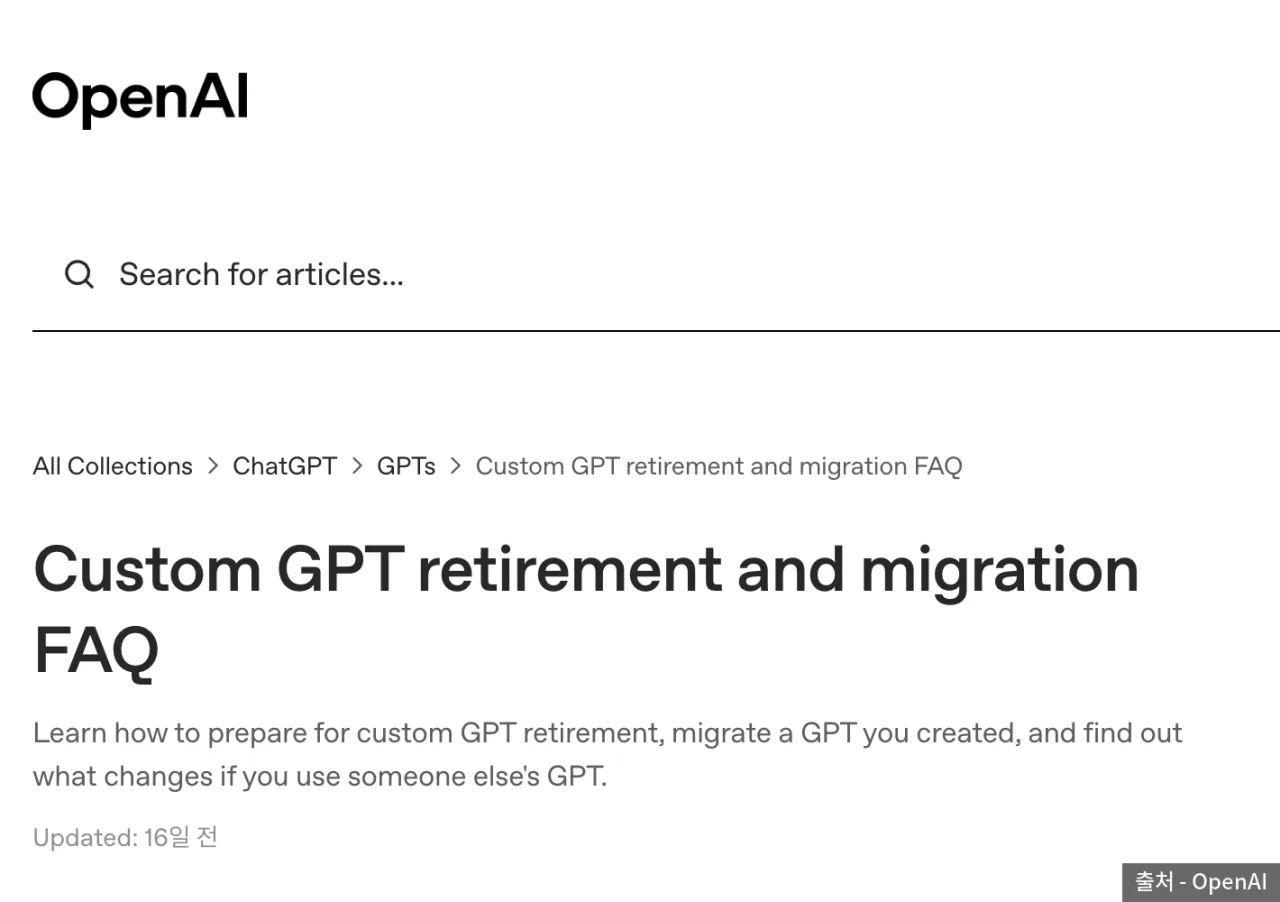 First screen of the OpenAI help FAQ on custom GPT retirement and migration — Source: OpenAI
Retirement schedule
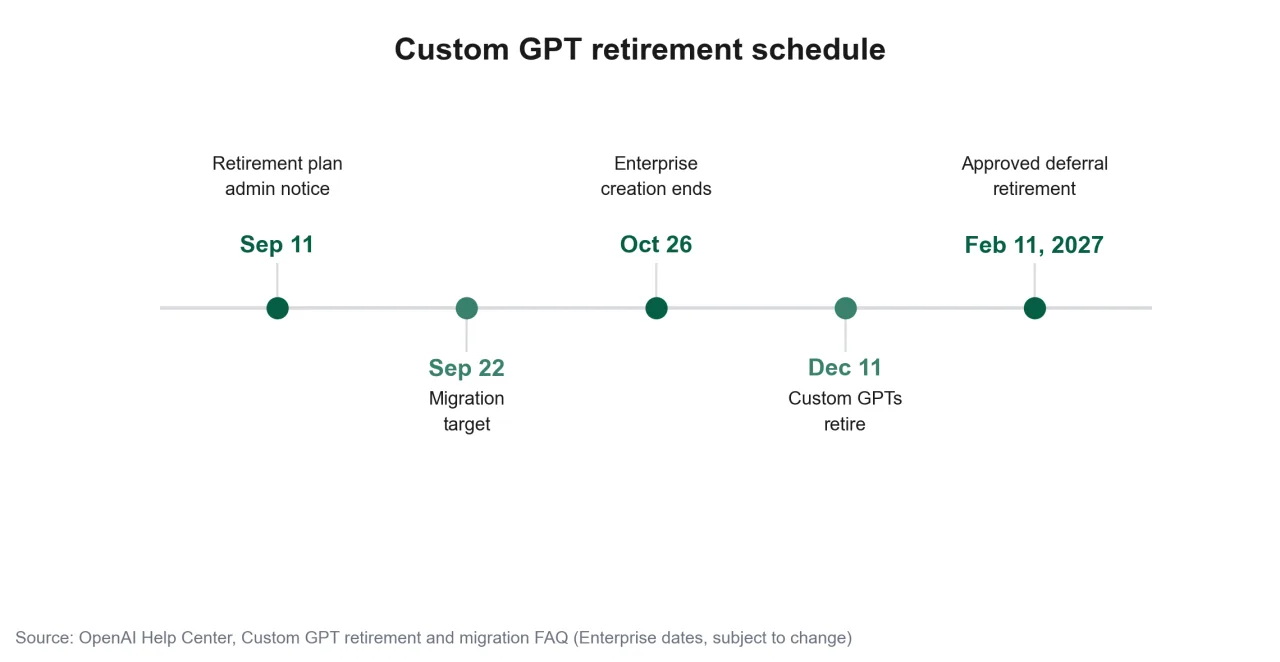 Timeline of the custom GPT retirement from the September 11 notice to February 11, 2027 — Source: self-rendered based on OpenAI help
The end date is December 11, and it applies to every ChatGPT plan From that day, custom GPTs and GPT pages can no longer be accessed
Enterprise workspaces granted an extension are the exception They can use them until February 11, 2027
The intermediate dates on the schedule are for Enterprise, and OpenAI notes the dates may change
When the migration feature becomes available also differs by account so the notice shown in your own account is the final word
No more new creation or publishing
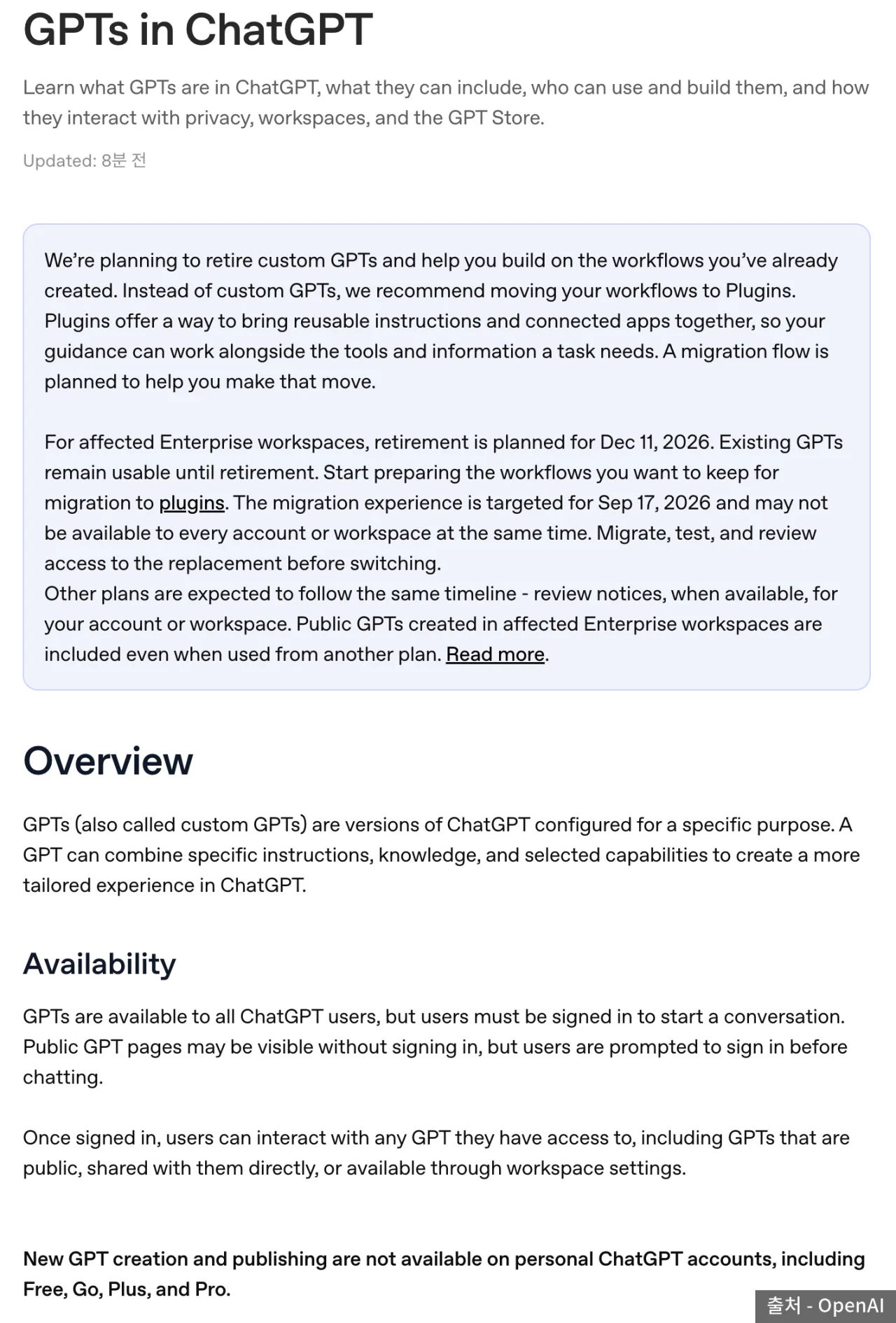 OpenAI help stating that personal accounts can no longer create or publish new GPTs — Source: OpenAI
Personal accounts can no longer create or newly publish GPTs This applies to Free, Go, Plus, and Pro
GPTs you’ve already made can be used as is until the end date Editing an existing GPT requires a subscription with editing rights
In Business, Enterprise, and Edu workspaces, whether you can create and edit depends on workspace settings
New creation in Enterprise is scheduled to stop on October 26
What a plugin is made of
A plugin is a bundle of features used in both ChatGPT and Codex
[Skill] Instructions and task steps you use repeatedly
[App] Connections to external services such as Slack and Google Drive
[App template] A frame administrators use to configure apps for a workspace
[Extension] In-chat screens, opening and editing files, input forms
ChatGPT automatically uses installed plugins when a request needs them To pick one yourself, type @ followed by the plugin name in the chat box
To make a new one, install Plugin Creator from the plugin list and describe it in conversation
What migrates to a plugin and what is left out
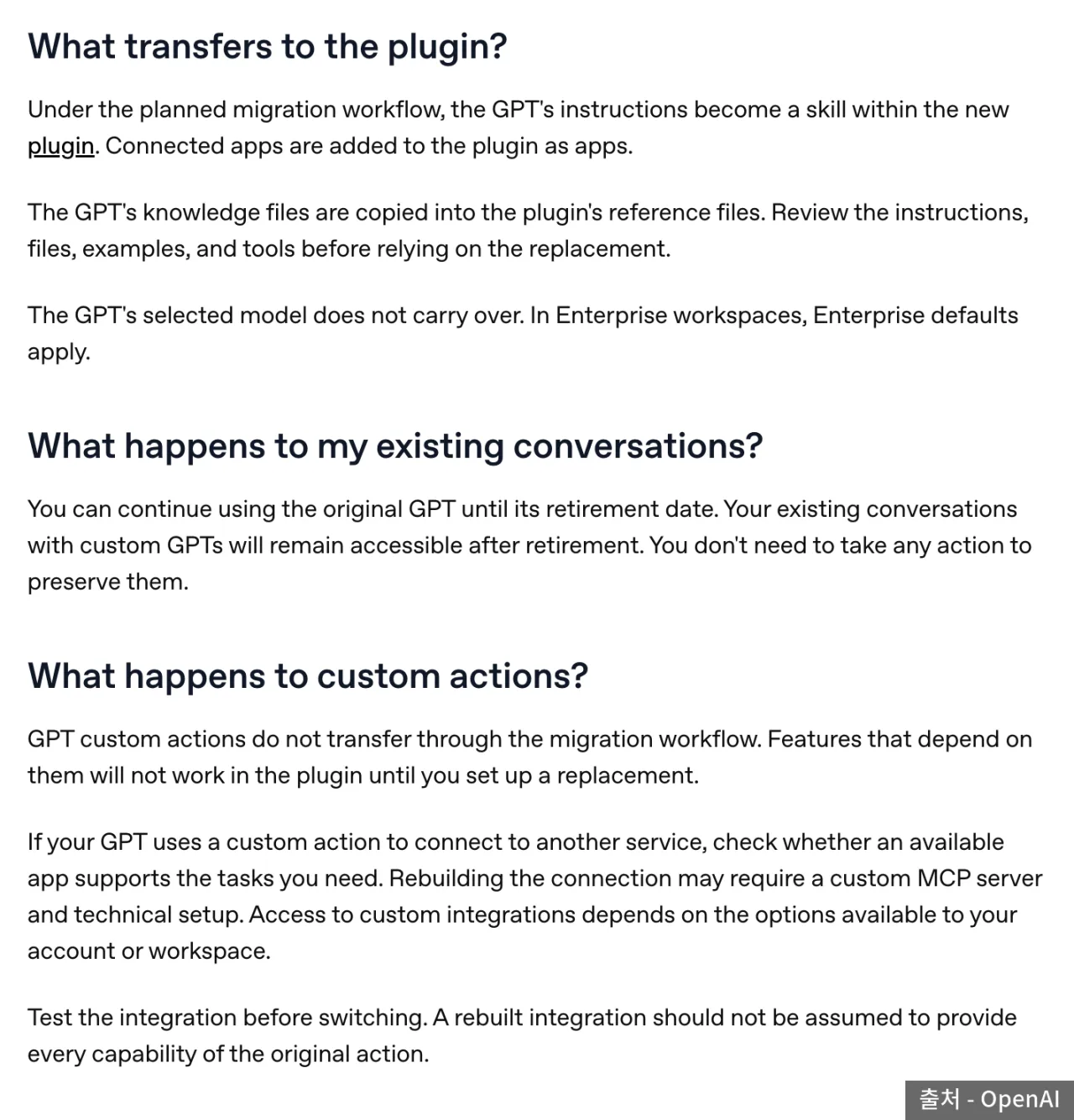 OpenAI FAQ describing what carries over to plugins and how custom actions are handled — Source: OpenAI
| GPT component | After migration |
|---|---|
| Instructions | The plugin’s skill |
| Knowledge files | Copied as reference files |
| Connected apps | The plugin’s apps |
| Selected model | Not migrated |
| Custom actions | Not migrated |
| Sharing settings | Not migrated, starts private |
| Unpublished edits | Not migrated |
The item that needs separate rebuilding after migration is custom actions For GPTs that called external APIs, those integrations stop working right after migration
First check whether an app exists to replace it; if not, you have to set up an MCP server yourself OpenAI also notes that rebuilt integrations may not have every feature of the original action
OpenAI says conversations with custom GPTs can still be opened after the end date
Migration steps
Once the migration feature is available, go to My GPTs and click Migrate to plugin on the GPT you want to move Follow the prompts and a plugin is created
Migration moves the GPT’s last published version If there’s anything to fix, finish it and publish before migrating~
Publishing doesn’t mean you have to share it publicly The original GPT you migrated can be used until the end date, but it becomes read-only and can’t be deleted
🧪 What to compare after moving
A plugin may answer the same question differently from the GPT OpenAI recommends comparing with familiar prompts and at least one hard case
[Skill selection] Whether it picks the relevant skill and works as instructed
[Reference material] Whether it actually uses the migrated knowledge files
[Output format] Whether answers or files come out in the original format
[Tools] Whether the apps and integrations the task needs are set up
If you use a GPT someone else made
You can’t migrate a GPT you only use Check the notice on the GPT screen and the creator's guidance on a replacement plugin
Being able to use the original GPT doesn’t automatically give you access to the replacement plugin You can use it only once the creator shares the plugin or lists it publicly
Public GPTs made in Enterprise follow that schedule even when used on other plans What counts is not your plan but where the GPT was made
There is no separate schedule announced for Korean accounts If you use a company or school workspace, also check your administrator's notices
Checks before the end date
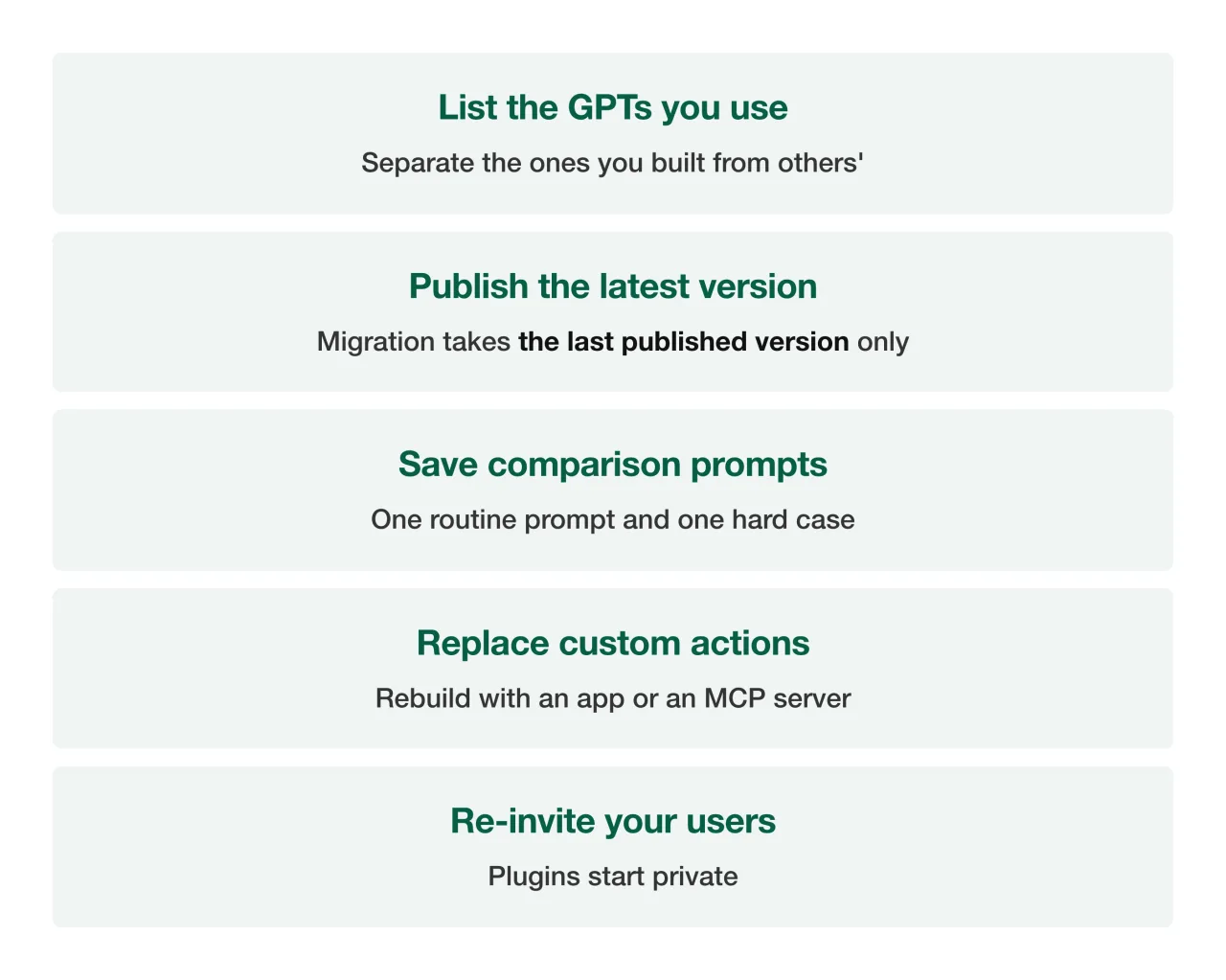 Five things to check before moving a custom GPT to a plugin — Source: self-rendered based on OpenAI help
Business and Enterprise workspaces can share plugins among members To make a personal account’s plugin public, you have to go through a separate submission process